Western Toolkit

Marketing Library

  • Western in the news!
  • Submit a Request
  • Log In
  • Industry Specific
  • Service Specific
  • Internal Resources
  • Recently Added

DC Case Study Presentation


Download Presentation

WSC Roofing 101

Download Presentation
“

AIA CEU Programs

Western offers educational content in return for continuing education units (CEUs).

Submit a new AIA course for approval.

To submit a new AIA course, please fill out this form.

Note: Once we submit your course to AIA, it will take up to 10 days for approval.

During the course.

Marketing and sales materials are not allowed during the AIA CEU course. We ARE ALLOWED to put up/discuss branding during the opening introduction slides, break slides, and/or closing slides; OUTSIDE of the primary course materials.) Take-home materials may be offered at the end.

Please bring the Sign-in Sheet and forward a copy to Sara Bequette after the presentation.

Available courses.

Click here for a current list of courses.

After the course.

Sara Bequette will report attendance for credit. Attendance “must” be reported within ten business days of the program completion. (We can enter it late if someone forgets to send the info, but AIA assures us that this is a great way to get flagged for a course audit. Which doesn’t sound fun.)

To ensure proper credit for AIA members, Sara will need the following information on the Sign-in Sheet:

  1. Program Date
  2. Presenter(s)
  3. Course Title
  4. AIA Member Number (Names help verify a proper match.)

The BDs typically email a certificate to the attendees who request one. I have attached AIA’s new Certificate Template. (FYI: Their specific certificate isn’t required. If you create your own, please include as many of these details as you can.)

  • AIA Certificate Template Download
  • AIA CES Attendance Sheet Download

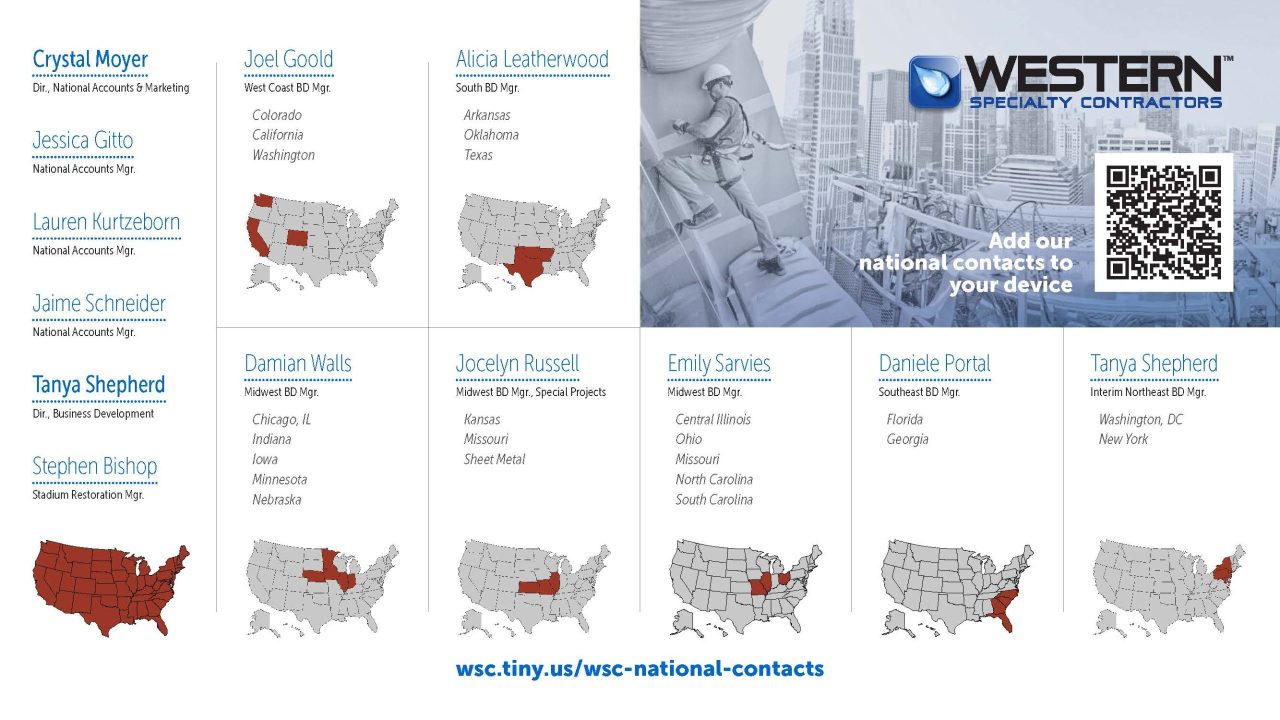
National Contact Slides

Slide 1 Preview

Slide 2 Preview

Click here to download the PowerPoint

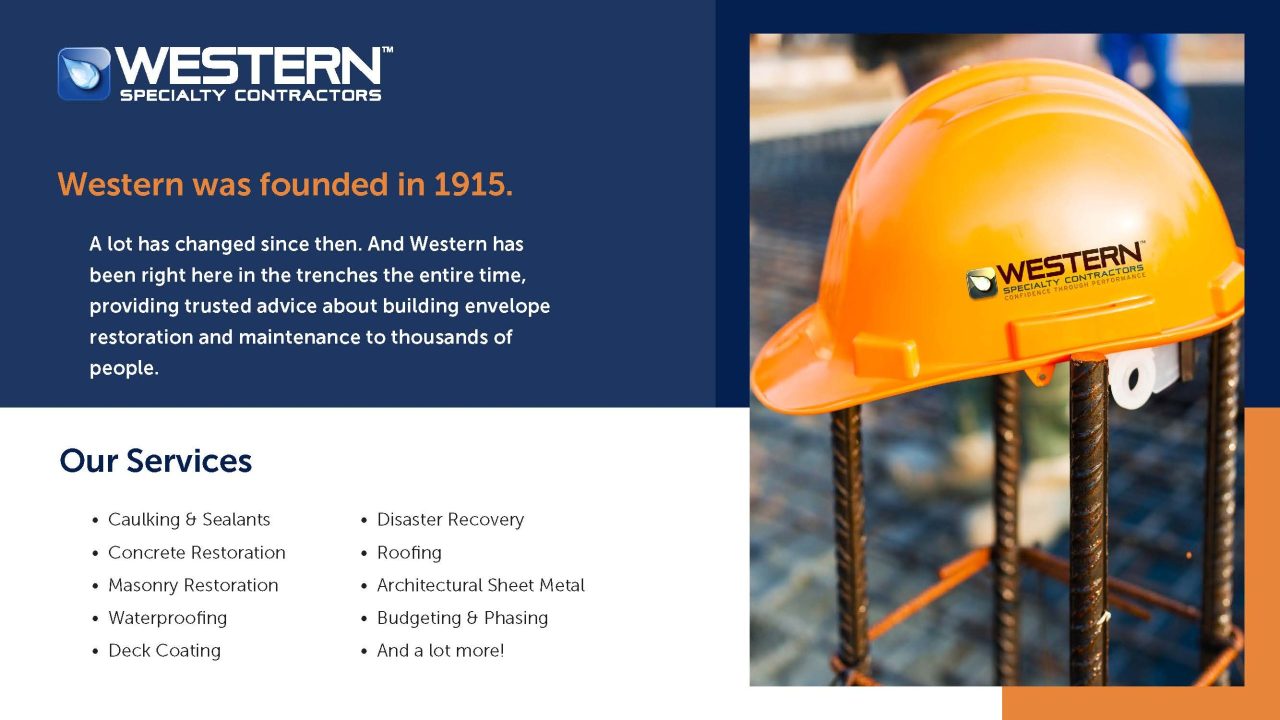
These two slides were created from the postcard mailer. You can copy/paste either of the slides into your presentation. The first slide is a general introduction to Western and our services. The second slide has the national contact personnel.

During your presentation, viewers can point their smartphones at the QR code to pull up the pages that allow them to add individuals to their contacts. If that doesn’t work for some reason, there is a link they can type into a browser: wsc.tiny.us/wsc-national-contacts

The slides are fully editable, but if you need help updating the information, please contact the Marketing Department.

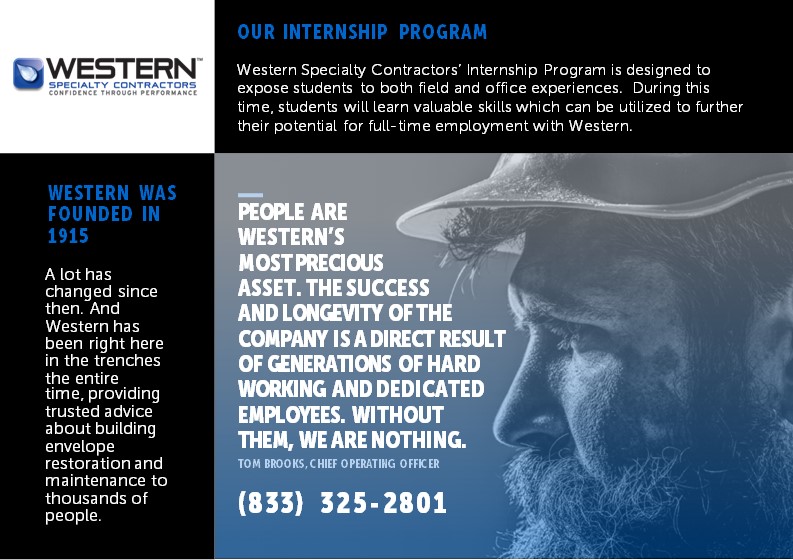
Recruiting Slides

Slide 1 Preview

Slide 2 Preview

Click here to download the PowerPoint

I created these two slides for HR to use at a recent job fair. Since then, a few branches have also used them, so I thought I’d add them here as a resource for everyone to use.  The first slide is a general introduction to Western and our internship program. The second slide has a text box you can edit with your booth details.

Viewers can point their smartphones at the QR code to pull up the new internship page on our website.

Other than the booth details, the slides are not editable, so if you’d like to make changes to the information, please contact the Marketing Department.
AIA Masonry & Concrete Presentation Template

[Read more…]

  • « Previous Page
  • 1
  • 2
  • 3
  • 4
  • Next Page »
  • Industry Specific
  • Service Specific
  • Internal Resources
  • Recently Added

Copyright © Western Marketing Library · Powered by Western Specialty Contractors

Terms of Use · Privacy Policy